

Drawing an Engineering Idea into Reality
Short Answer: Computer-Aided Design (CAD) software such as Autodesk AutoCAD, CATIA and SolidWorks help the engineers and engineering teams many of us are celebrating this National Engineers Week .

Image 1: A person relying on CAD software to complete a project
The buildings we use everyday. The cars and trucks we use to get us from one of these buildings to another one. The roads our cars use to drive on. All of these require engineering talent and work to make them possible. But what do these talented engineers use to help get the job done? They use various tools, including computer-aided design (CAD).
These software tools help engineers complete large projects that have tight deadlines and limited budgets on time and on budget. Without them, engineers would be required to draw these plan sets by hand, which would take longer to finish and cost clients valuable time and money. With these tools, engineering firms are able to satisfy these demands from their clients.

Image 2: Engineering teams work together with designers and design engineers to produce quality CAD drawings in the shortest amount of time possible
As of this writing, most civil engineering firms utilize Autodesk AutoCAD software to create CAD detailed and to-scale drawings. These drawings include, but are not limited to: roads, utilities, drainage, and land development plans. With the technology available, these drawings can be drawn, reviewed, and sent to necessary authorities like the Texas Department of Transportation for review and approval relatively quickly. Once these steps are complete and the CAD drawings meet the standards of the engineering firm and government authorities, the drawings can be sent to either the client, the construction contractor, or both to begin construction and complete the project.
Currently, in more mechanical engineering settings like HVAC and automotive engineering, the companies which work on those products are more likely to use CAD software like SolidWorks and CATIA, respectively. These CAD software programs allow engineers to design for different components such as type of material—metallic or non-metallic, what type of metal or non-metal specifically, etc.—tightening tolerances, chamfered or fillet edges, among other elements to mechanical engineering design. Once the designer or design engineer is complete with this design, the CAD drawing can then undergo similar Quality Assurance (QA) procedures that civil engineering plans undergo.
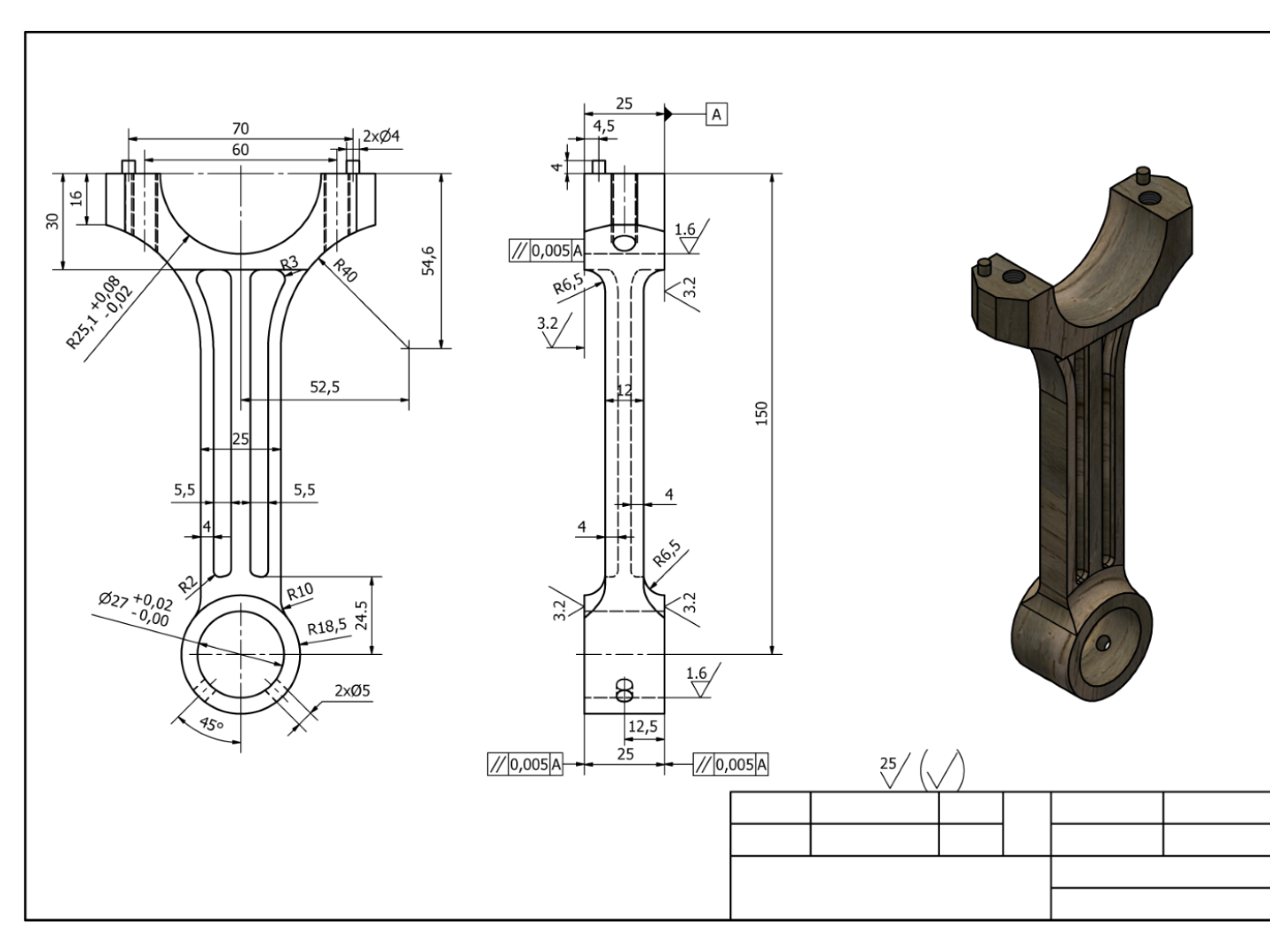
Image 3: An engine connecting rod drawn in a CAD program most likely similar to CATIA or SolidWorks
Bottom Line: Engineers in various industries depend on CAD software to efficiently and reliably produce engineering designs that can be constructed or manufactured to safely serve as many people as possible
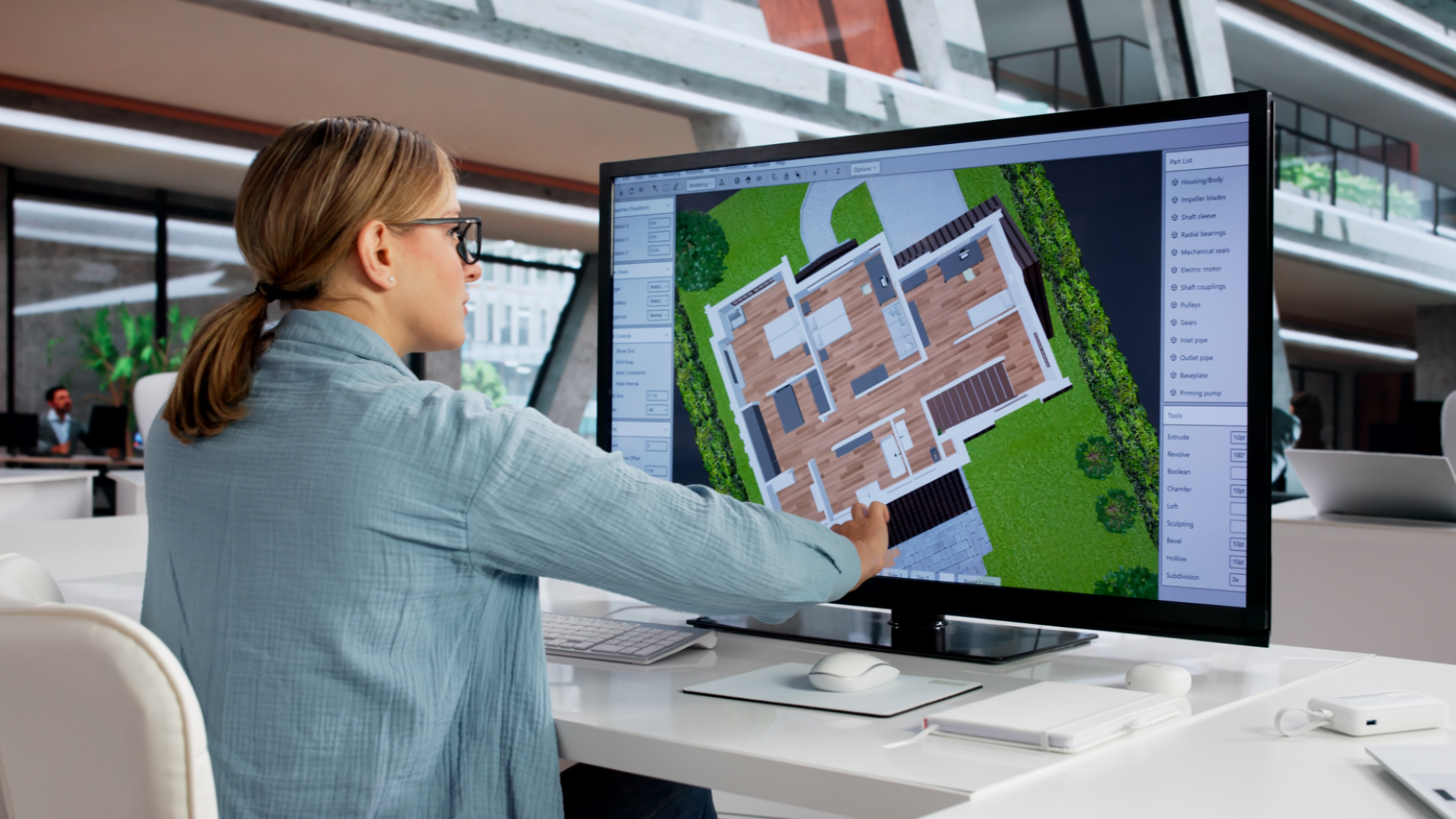
Image 4: A person using CAD to efficiently and reliably create plan drawings for a building
Let us know what topics you’d like us to tackle next in the comments below!
See more small doses of inspiration from Unifunful Today here
See our thought-provoking articles from Everyday Engineering here and investigate the engineering behind everyday items and places
See our articles from Engineering in Motion here to see how engineering moves us around the world
Missed last week? No worries, we got you! See what we covered last week and more in our weekly status reports here
Discover the vision and values guiding the Unifunful mission here
First time visiting Unifunful? Become familiar with the history and foundation Unifunful was built on here
Meet the contributors who make Unifunful possible here